
Imperial County
IMPERIALCOUNTY.ORG
How Board Meetings Work
The Imperial County Board of Supervisors conducts public meetings to consider County business, receive reports, hear public comments and take action on matters within the Board’s jurisdiction.
An agenda is posted before each meeting and identifies the matters the Board will consider. During the meeting, County staff may present reports and recommendations, members of the public may provide comments, and the Board may discuss and take action on agenda items.
Meeting dates, times, locations and participation instructions may vary. Please review the agenda for the specific meeting you plan to attend.
In-Person Participation
Unless otherwise stated on the meeting agenda, meetings of the Imperial County Board of Supervisors are held at:
Imperial County Administration Center
Board Chambers, Suite 211
940 West Main Street
El Centro, CA 92243
Members of the public may attend meetings without registering in advance.
To Provide Public Comment in Person
- Arrive before the agenda item you wish to address is considered.
- Follow the instructions provided by the Clerk of the Board or announced by the Board Chair.
- When called upon, approach the designated microphone.
- Identify the agenda item you wish to address.
- Direct your comments to the Board.
- Complete your comments within the time announced by the Board Chair.
The Board may establish reasonable time limits to allow all interested speakers an opportunity to participate.
Remote Participation
Members of the public may participate remotely using the telephone or online meeting information provided on the agenda for each meeting.
Remote meeting links, telephone numbers, meeting identification numbers and passwords may change. Always review the current agenda before joining a meeting.
- Open the agenda for the meeting you wish to attend.
- Locate the remote participation instructions.
- Select the online meeting link.
- Enter any required meeting identification number or password.
- Follow the instructions provided by the meeting host.
- Use the “Raise Hand” feature when the item you wish to address is called.
- Wait until the meeting host calls on you before speaking.
- Call the telephone number listed on the meeting agenda.
- Enter the meeting identification number and password when prompted.
- Listen carefully to the instructions provided during the meeting.
- Use the telephone command identified on the agenda to request to speak.
- Wait until the meeting host announces that your telephone line has been unmuted.
The Board may establish reasonable time limits to allow all interested speakers an opportunity to participate.
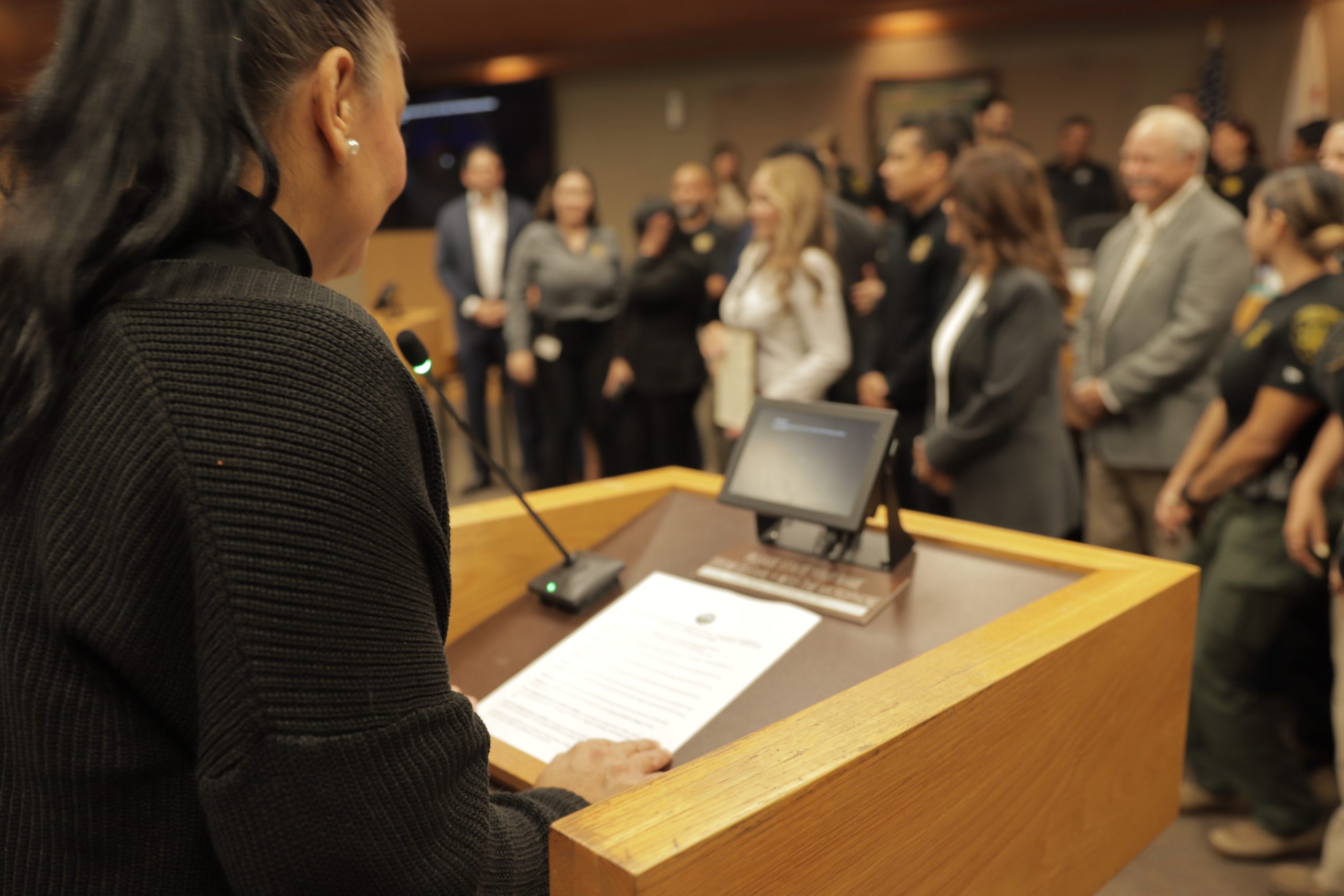
When You Are Called to Speak
When it is your turn to provide public comment:
- Make sure your telephone or device is unmuted.
- Turn down the volume on any other device playing the meeting.
- State the agenda item you wish to address.
- Speak clearly and directly to the Board.
- Stay on the subject of the agenda item.
- Complete your comments within the allotted time
Providing your name is encouraged but is not required unless otherwise required for a specific proceeding. When your time has concluded, your microphone or telephone line may be muted.